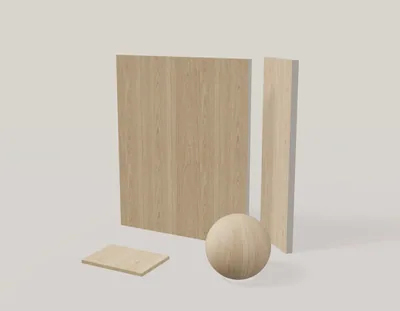
Wood · Free download
Light smoked oak
1024 × 1024 px · 5 PBR maps + Revit
View material & download →Compare wood grain, direction and finish before applying a material to cabinetry or furniture. Start with a downloadable oak material, then use the studio to explore color and surface detail.
Keep the physical repeat consistent across adjoining doors and panels. A seamless grain texture is different from a plank layout: use Tile Layout when individual boards and joints need to appear.
Adjust a wood texture →Use the texture studio to adjust color and surface detail, Tile Layout to arrange tiles and joints, or Facade Builder to work with cladding profiles. Scene Preview helps you compare the result in a furnished interior or exterior.
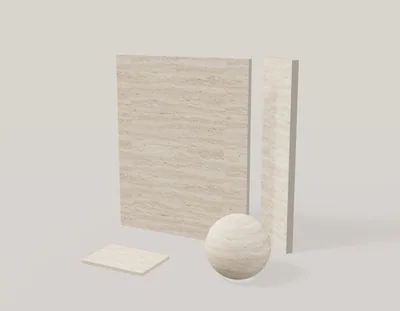
1024 × 1024 px · 5 PBR maps + Revit
View material & download →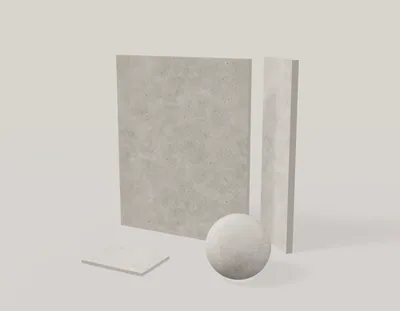
1024 × 1024 px · 5 PBR maps + Revit
View material & download →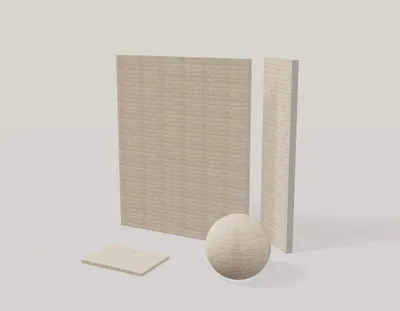
2048 × 179 px · 5 PBR maps + Revit
View material & download →