Wood · Free download
Light smoked oak
1024 × 1024 px · 5 PBR maps + Revit
View material & download →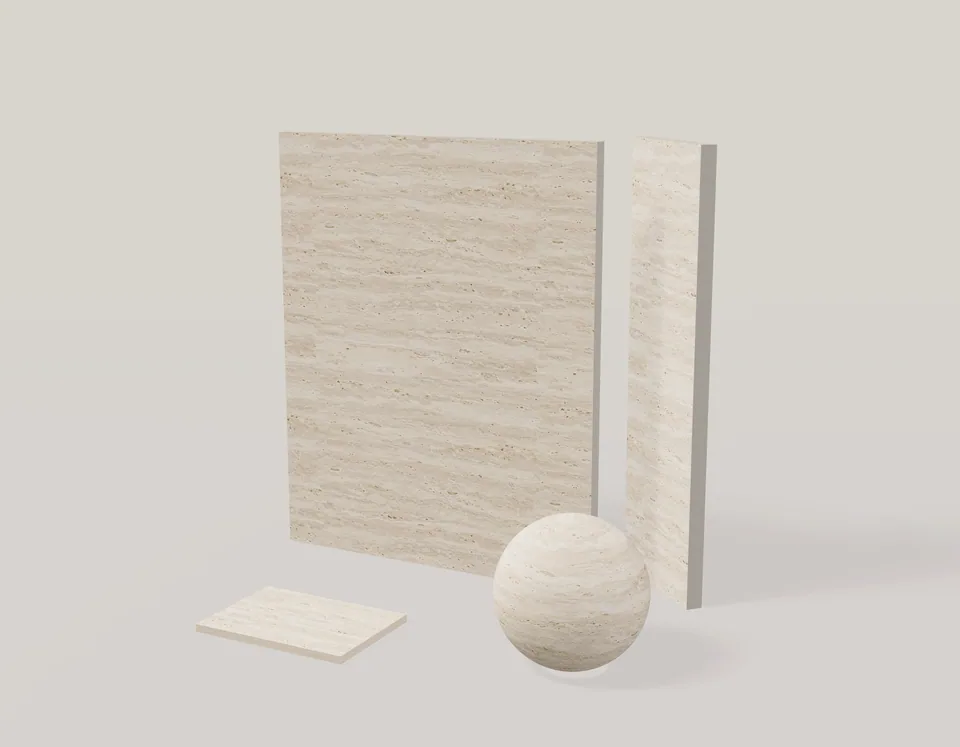
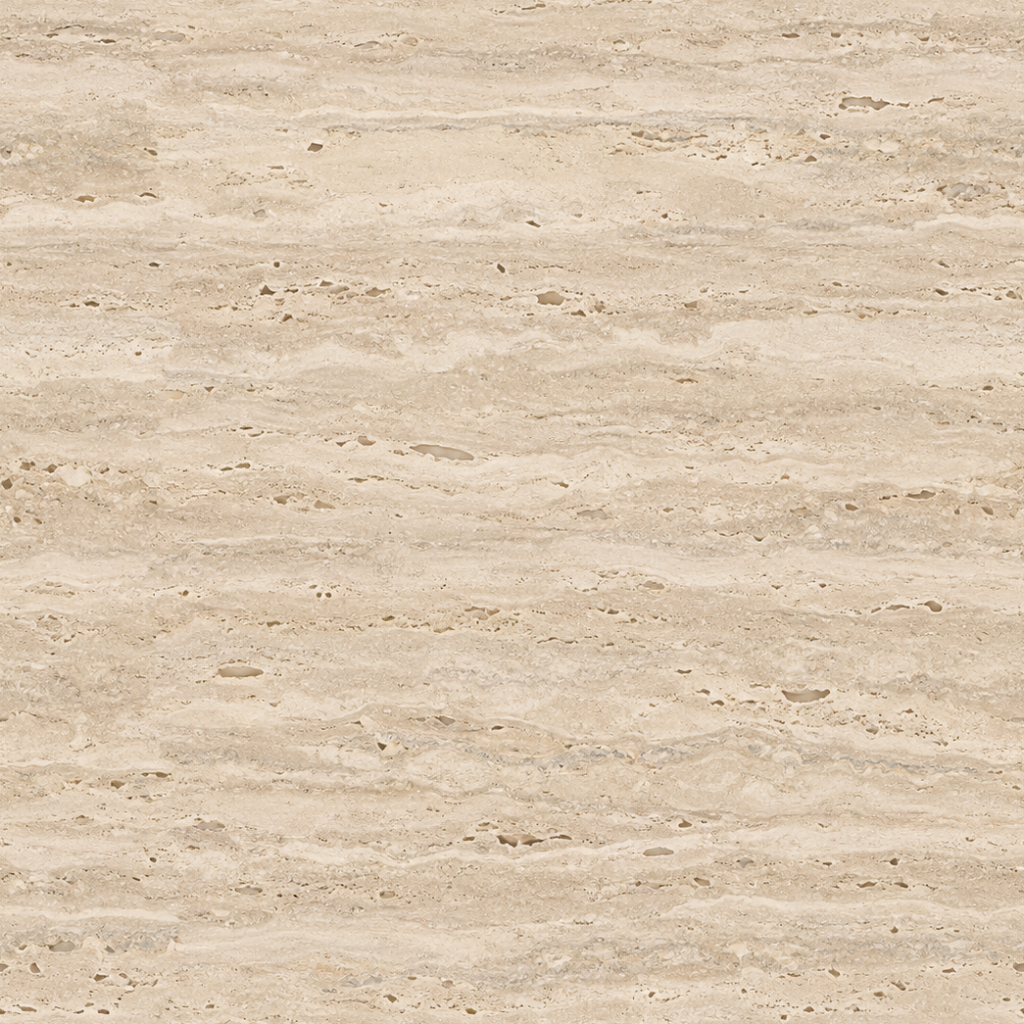
Beige vein-cut travertine with flowing horizontal mineral bands and fine pores. A warm stone finish for interior walls and vanity studies.
Published creator: Alex Parker. No account required to download.
The flowing bands are part of the texture, not slab joints. Use Tile Layout when you need a separate slab size and grout pattern.
Use the 1200 mm repeat to judge the mineral bands at a believable scale. Compare the stone on a bathroom wall and vanity before committing to a combination.
Stone walls, bathroom vanities and slab studies. Upload the extracted BaseColor image to the texture studio to make a variation and test it in Scene Preview.
These are image-derived visualization materials, not measured scans or manufacturer specifications. The listed dimensions describe texture scale.
1024 × 1024 px · 5 PBR maps + Revit
View material & download →
1024 × 1024 px · 5 PBR maps + Revit
View material & download →
2048 × 179 px · 5 PBR maps + Revit
View material & download →