Wood · Free download
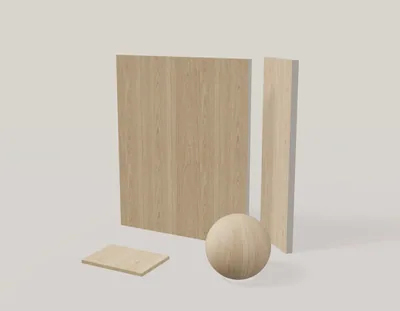
Light smoked oak
1024 × 1024 px · 5 PBR maps + Revit
View material & download →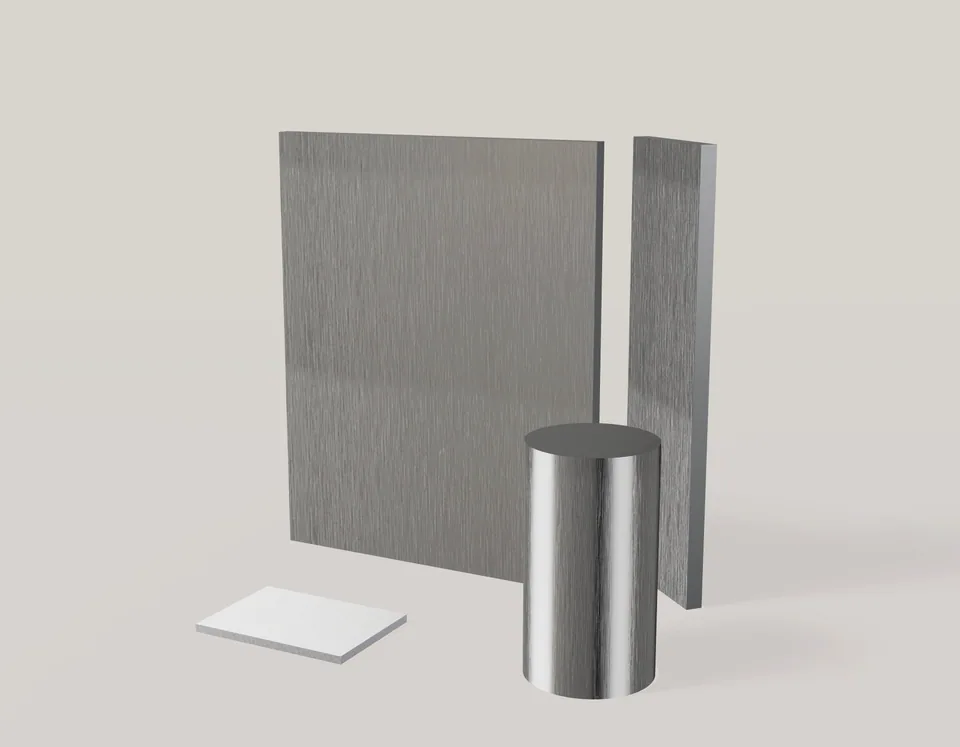
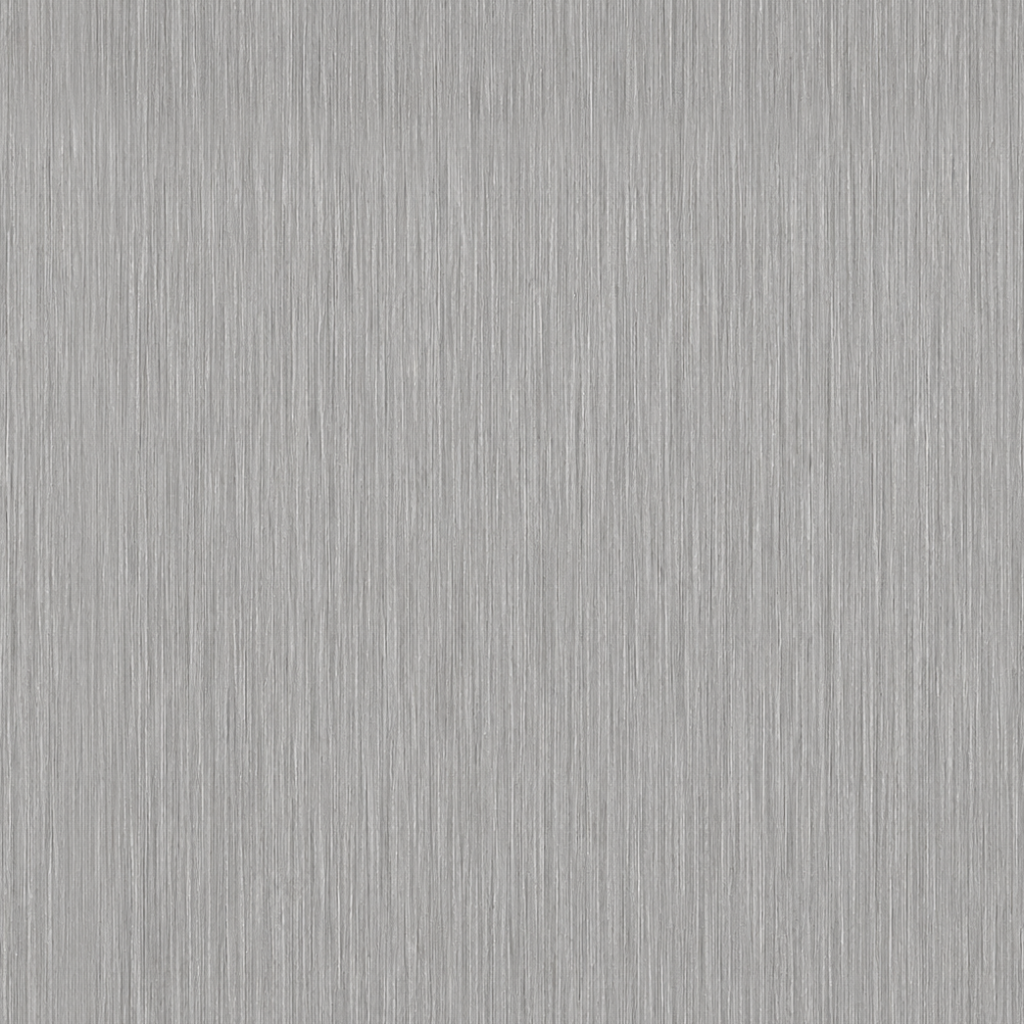
Brushed stainless steel with fine directional grain and a satin metallic response. A seamless surface for kitchen, joinery and metalwork visualization.
Published creator: Alex Parker. No account required to download.
Use the Metallic map with Roughness and Normal in a metal/roughness shader. A color image alone will not reproduce the metallic response.
Keep the fine brushing aligned across adjoining panels. Compare the finish under more than one light setting: metallic surfaces depend strongly on their surroundings.
Kitchen metalwork, cabinetry details and metal surface studies. Upload the extracted BaseColor image to the texture studio to make a variation and test it in Scene Preview.
These are image-derived visualization materials, not measured scans or manufacturer specifications. The listed dimensions describe texture scale.
1024 × 1024 px · 5 PBR maps + Revit
View material & download →
1024 × 1024 px · 5 PBR maps + Revit
View material & download →
1024 × 1024 px · 5 PBR maps + Revit
View material & download →